Let your child learn while watching, not just consume
MiniMind stops kids from passively binging YouTube. Only content you approve, age-appropriate attention questions between videos, and full parental control.
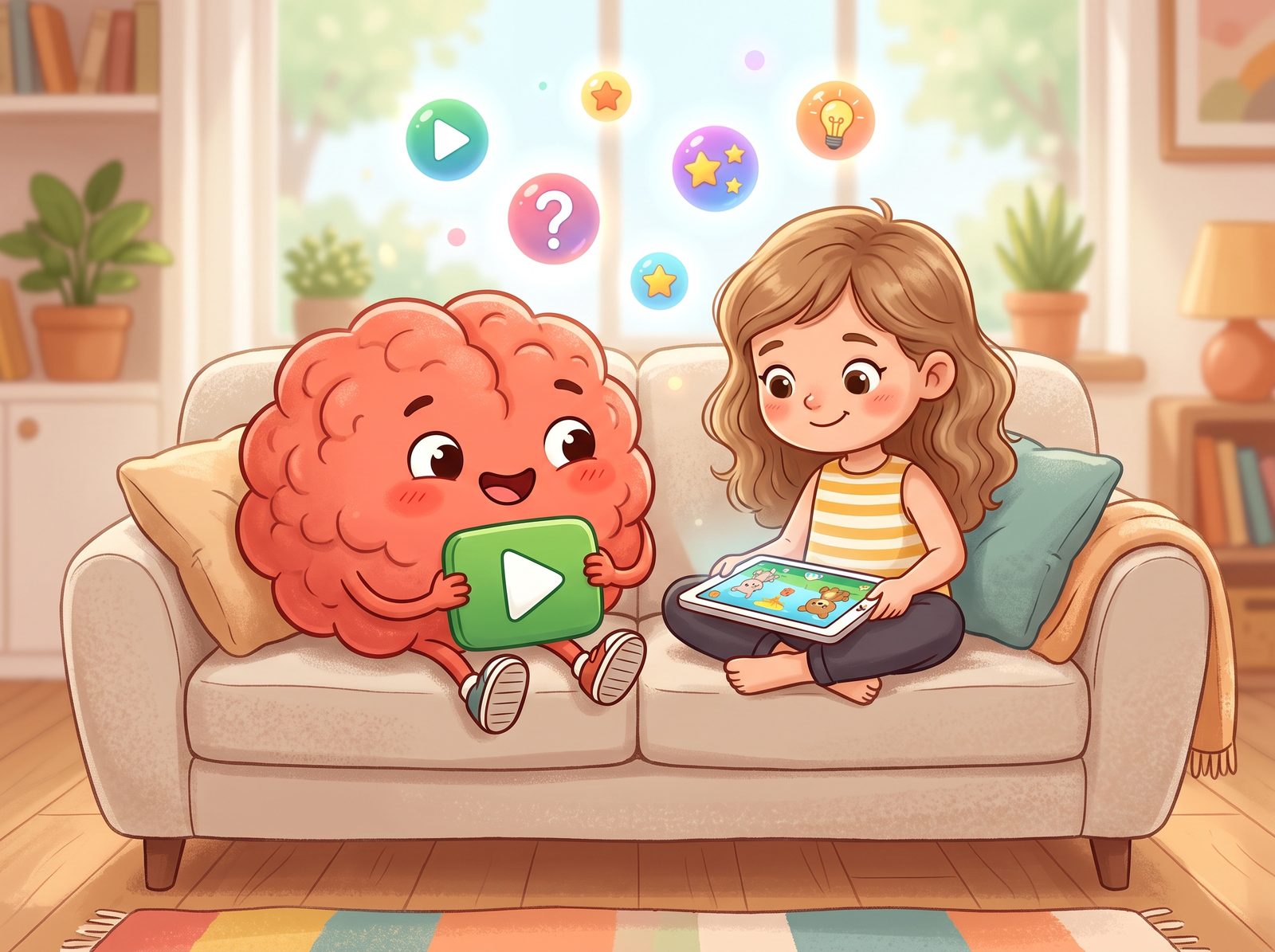
Not YouTube — a parent-controlled place to watch
Your child never gets lost in an endless recommendation feed. Only content you approve, attention questions between videos, and clear limits in one safe space.
A safe feed
No ads, no comments, no recommendation queue. Only suitable, approved content.
Attention questions
Age-appropriate questions between videos — passive watching turns into active learning.
Time limit
When the daily screen time is up, the app gently stops. You stay in control.
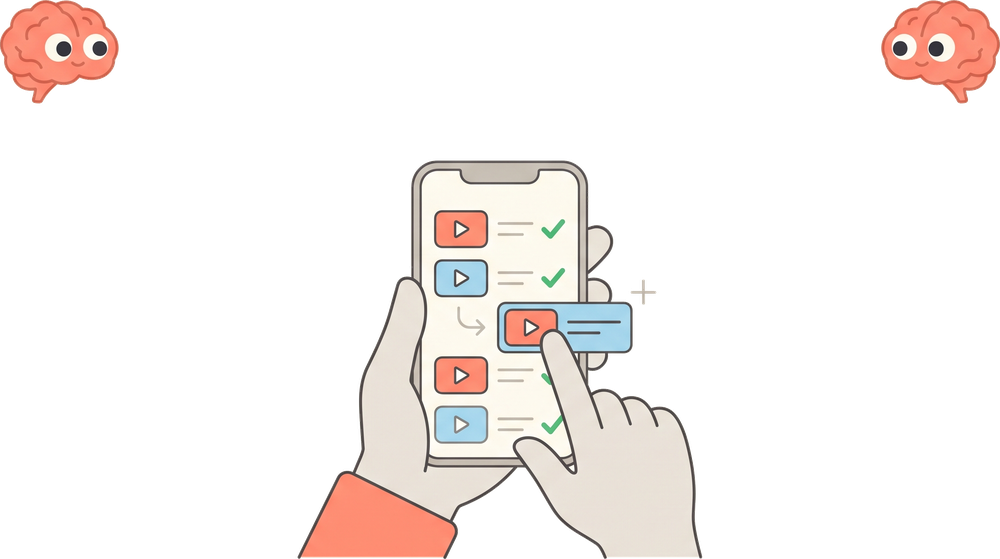
Mindful screen time in three steps
Setup takes minutes, and you stay fully in control.
You approve
Pick what your child can watch from a reviewed channel catalogue. No unapproved channel or video ever shows up.
Kids watch
A safe, ad-free, bounded feed with only suitable content. None of YouTube’s endless recommendations.
They learn on breaks
At set intervals the video pauses and asks an age-appropriate question. Answer correctly to continue — passive watching ends.
Everything a parent needs
From safe content to the attention system, in a single app.
Parent-approved content
Only the channels you pick and their videos. Channels come from a catalogue we review first, so your child never meets uncontrolled content.
Attention breaks
Math, science, English and more by age + category. Answer right to continue.
Parent lock
Profiles and settings are protected by PIN or face/fingerprint. Kids can’t change them at will.
Multiple child profiles
Separate age, rules and content per child. Track their stats separately too.
Daily time limit
When the daily watch time is up, the app gently stops. Screen time in your hands.
Controlled Shorts
Short videos in a safe feed too — but no infinite scroll, with an attention question in between.
Frequently asked questions
Yes, completely free. Unlimited child profiles, adding your own content, time settings, attention quizzes and the practice screen are all included. There are no in-app purchases.
No. Your child only sees the channels you approve and their videos. There’s no YouTube recommendation feed, no comments and no ads.
By your child’s age (3-5 / 6-8 / 9-12) and the categories you pick. They come from math, science, geography, English, animals and general-knowledge pools.
No. Profile switching and all parent settings are protected by PIN or face/fingerprint. Kids can watch videos and Shorts but can’t reach settings.
iOS and Android phones/tablets. The app is downloaded from the App Store and Google Play.
Make screen time safe
Set it up in minutes. Let your child learn while watching, with your peace of mind.
Get in touch
For questions, feedback or support, we’re one email away.